Identify the machine
Make, model, year, serial/PIN and operating hours help ICON distinguish one unit from another.
Commercial equipment diagnostics, diesel and industrial engine repair, preventive maintenance, hydraulic and electrical troubleshooting, inspections and general repair in Phoenix, Arizona.
Equipment downtime affects crews, schedules and revenue. ICON Equipment’s service experience is designed to capture the machine, symptoms, operating hours, location and urgency before the team follows up, so the service conversation starts with useful information.
Submitting a service request starts the conversation. ICON confirms the service scope, scheduling and repair authorization separately.
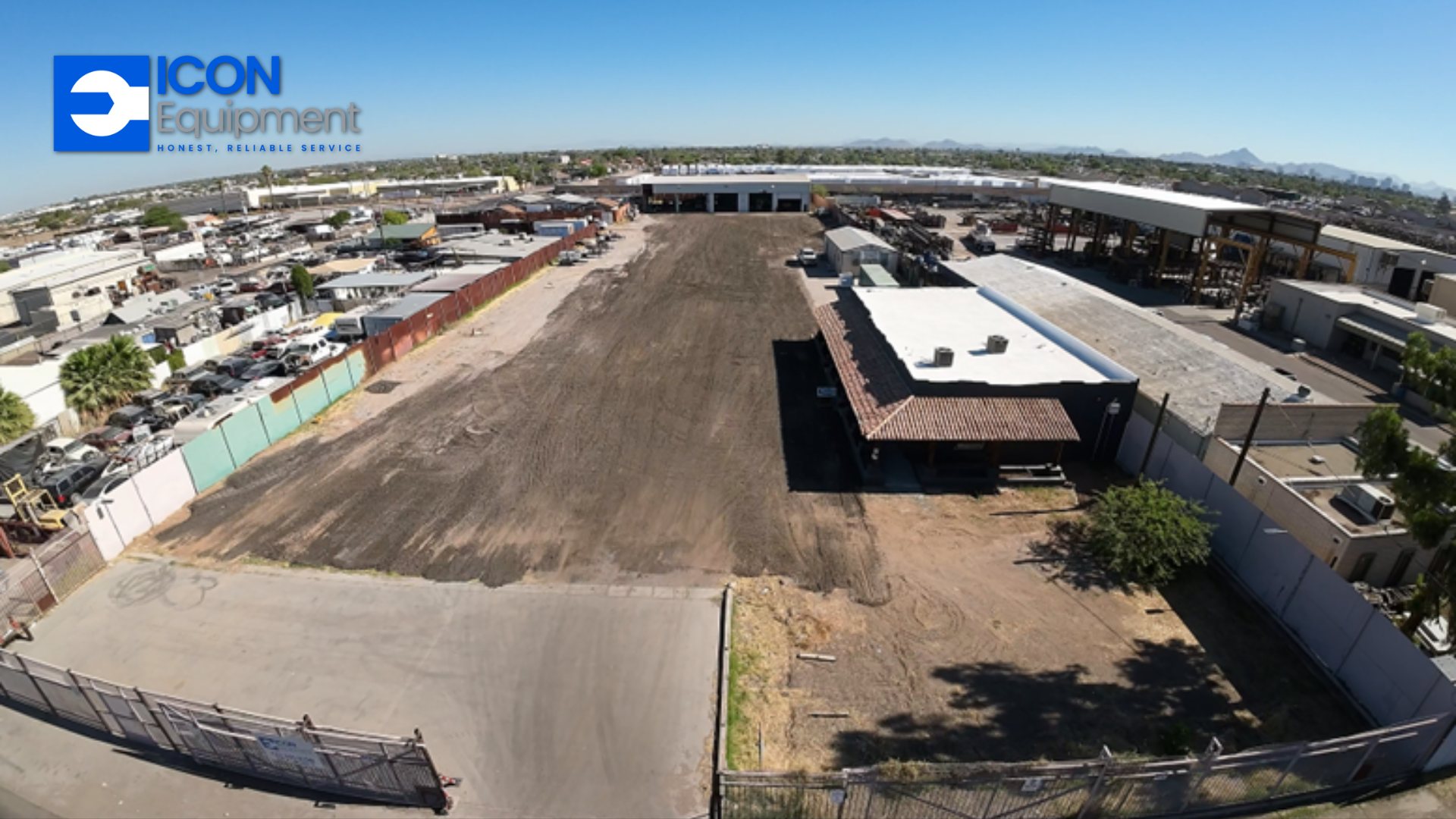
These service pages help customers explain what is happening and prepare the information ICON needs to evaluate the request.
Structured troubleshooting and repair support for commercial equipment that will not start, will not perform correctly, develops warning symptoms or is simply not doing the job it should.
Explore service details →Service & repairService intake for diesel and industrial engines used in construction, power, access, landscape and commercial equipment, with machine and engine information captured up front.
Explore service details →Service & repairRoutine equipment and engine maintenance support organized around machine identity, operating hours, duty cycle and the service intervals that matter to a working fleet.
Explore service details →Service & repairHydraulic troubleshooting intake for leaks, weak functions, slow operation, abnormal heat, noise and other hydraulic-performance concerns on commercial equipment.
Explore service details →Service & repairElectrical troubleshooting intake for starting, charging, controls, switches, sensors, warning indicators and intermittent machine behavior.
Explore service details →Service & repairCondition-focused inspection intake for businesses evaluating equipment condition, preparing for upcoming work or trying to identify maintenance and repair priorities.
Explore service details →Service & repairGeneral commercial equipment repair intake for construction, landscape, access, compaction, power and other equipment supported by ICON Equipment.
Explore service details →Make, model, year, serial/PIN and operating hours help ICON distinguish one unit from another.
Tell us what the operator sees, hears, smells or feels and when the problem occurs.
Give the machine location and access information so ICON can evaluate the practical service path.
ICON follows up before repair authorization. Submitting the request itself does not approve work.
Shop service can be a strong fit for repairs that need deeper diagnosis, controlled access to tools and parts, or equipment that can be transported without disrupting the job further.
Request Shop Service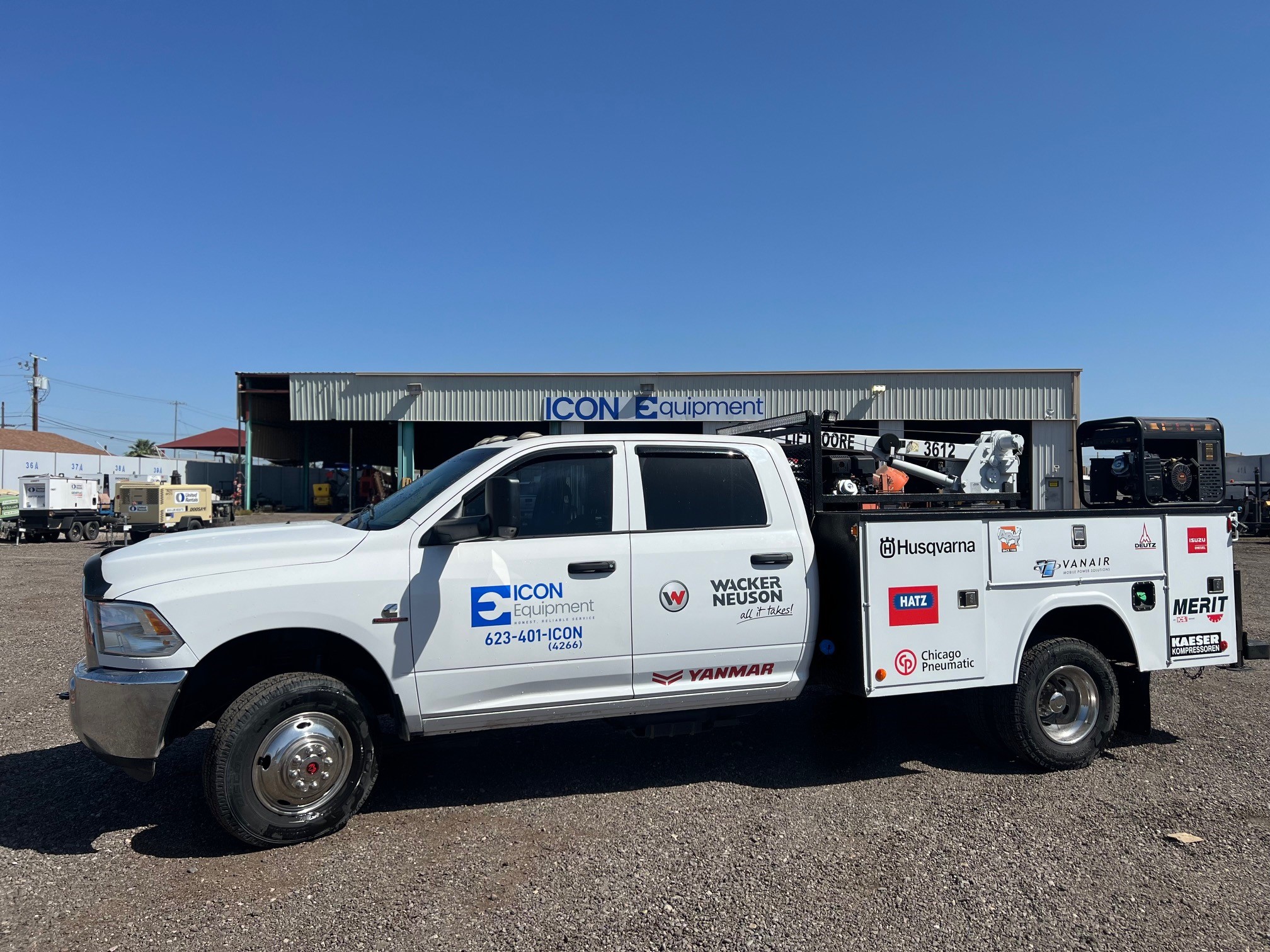
For appropriate requests, mobile service starts with the jobsite address, access instructions, machine condition and urgency so ICON can evaluate field-service options.
Request Mobile ServiceIf possible, have the equipment make, model, year, serial/PIN, current hours and a description of the problem. If you do not have all of it, send what you know and ICON can follow up.
No. Describe what the machine is doing in the operator’s own words. The service category helps route the conversation but does not require the customer to diagnose the machine.
No. The request gives ICON the machine and problem details needed to begin review. The team confirms the service scope, scheduling and repair authorization before work begins.
Yes. Choose Mobile Service and provide the machine location and access details. ICON can then determine whether field service is appropriate for that equipment and repair need.
The service intake supports preventive-maintenance requests and captures machine hours and fleet context. Business and fleet programs can be discussed through ICON’s Business Solutions path.